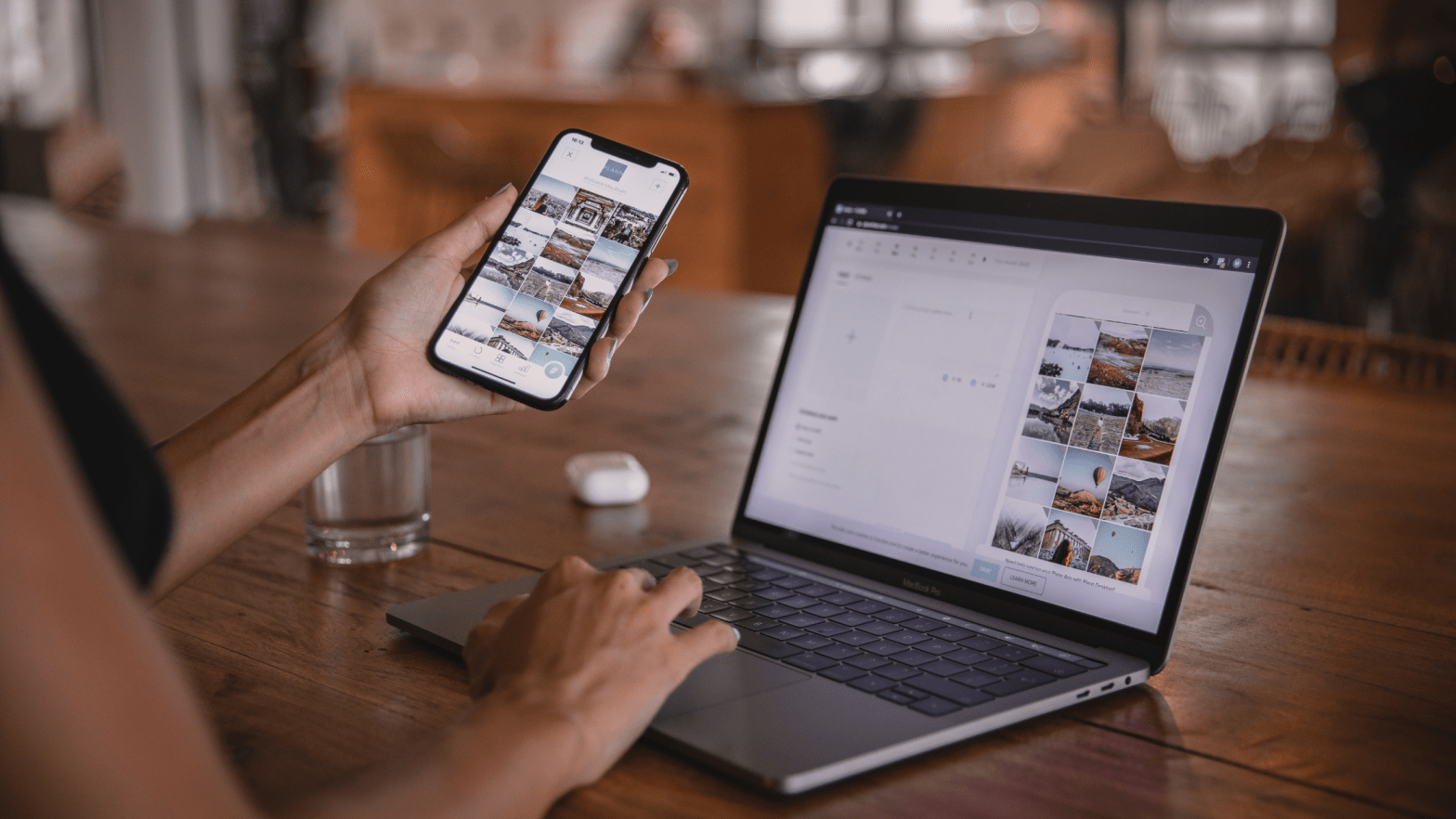
Often my clients ask for recommendations for a social media scheduler and which tool do I use, the answer is many! I like to keep my skills fresh and use a variety of different tools. The choice for many small businesses is decided by the cost and user experience. With that in mind, here are a few FREE and simple to use scheduling tools for you to try.
Don’t forget Facebook has its own creator studio, which allows you to create and schedule posts for both Facebook and Instagram. If you haven’t already, download the Business Suite mobile app to stay organised while on the go – this is perfect for keeping on top of your post comments and messages. Also, Tweetdeck for organising Twitter is a very popular choice.
5 FREE scheduling tools;
Hootsuite – this popular tool is used by 18+ million social media marketers! The free version allows you to manage two social media accounts and schedule up to 5 posts at a time by one user.
Buffer – this is an easy tool to use, in fact this was the first scheduler I ever used! The free plan allows one user to connect three social media accounts and schedule up to 10 posts per channel.
Later – founded in 2014 this tool is now powering more than 4 million users. This scheduler is great for planning Instagram posts! The free plan includes one social set (one account for each platform; Instagram, Facebook, Twitter, Pinterest, TickTock and LinkedIn), and allows for 10 posts per social profile.
Crowfire – with more than 19 million users worldwide this scheduler is a popular choice. The free version allows for three social media accounts and 10 posts per account. The hashtag recommendations may be a useful tool to use.
Pallyy – is a easy to use content calendar, making it easy to visualise your plans and publishing schedules, especially for Instagram. The free version allows for one social set and up to 15 posts per month.
Need help? Contact us to discuss a social media support package to suit your needs, book a free no obligation discovery call.
 Virtual Assistant Based In Rural Devon